Create and organise
New, duplicate, rename and delete. Duplicate a working profile as a starting point for a similar game.
Features
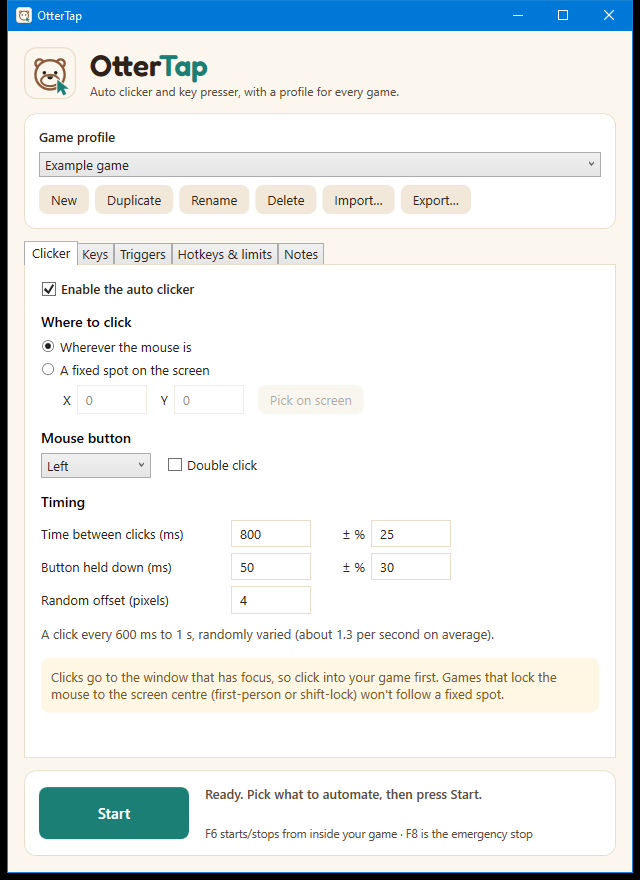
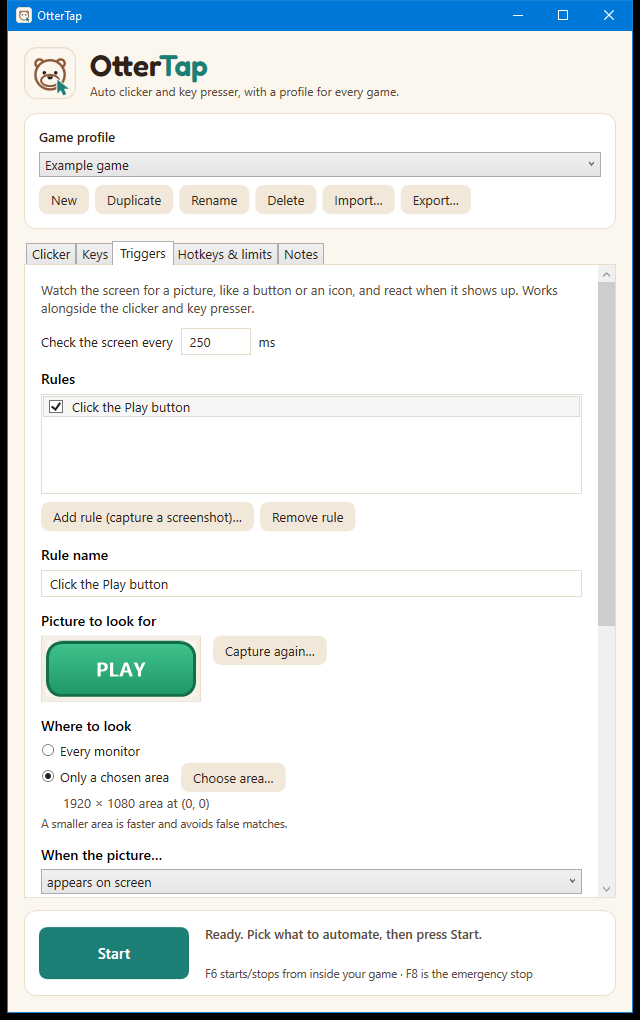
An auto clicker, a key presser and screen triggers, all with natural-looking timing, organised into a profile for each game.
Click on a timer wherever you need to.
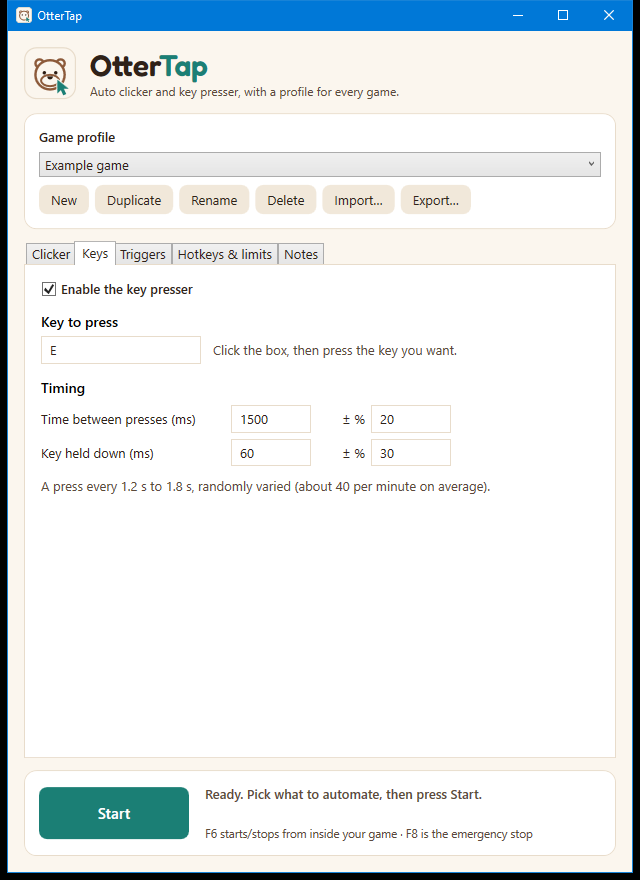
Tap any key on a timer, on its own or alongside the clicker.
Let OtterTap watch the screen so you don't have to.
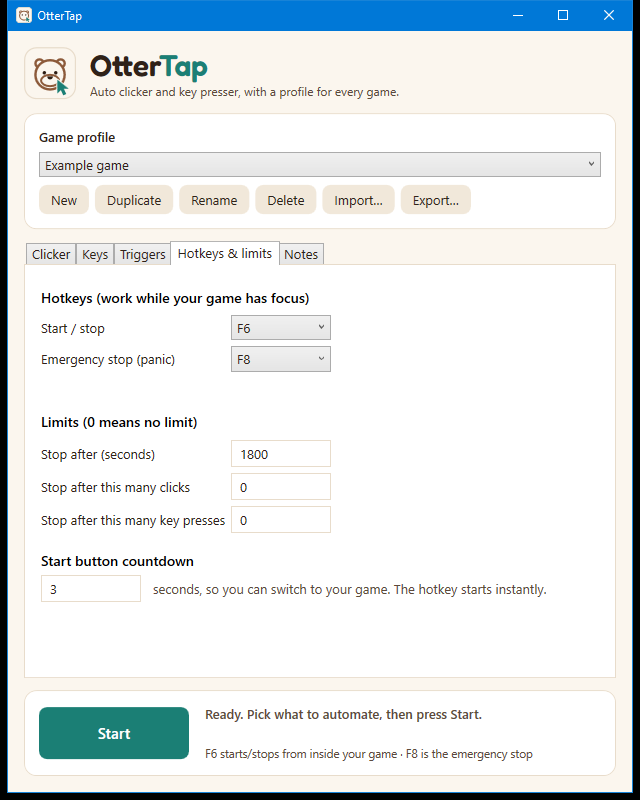
Control everything from inside your game.
Game profiles
Each profile holds that game's click and key settings, trigger pictures, hotkeys and limits. Switch with a dropdown.
New, duplicate, rename and delete. Duplicate a working profile as a starting point for a similar game.
Export a profile, with its trigger pictures, as one file and send it to a friend. Imported files are checked before anything is saved.
Profiles are saved on your computer. No account, no sign-in, nothing uploaded.
It doesn't inject code into games or read their memory. It sends normal mouse and keyboard input and looks at the pixels on your screen.
It can't promise a game won't notice automation. Many games ban it. Read safety and fair play before you start.
There's no Mac, phone or tablet version.
Clicks and keys go to whichever window has focus, so the game needs to be in front.
OtterTap is a free Windows app. The beta is nearly ready.